How to Price Items for Resale: A Photo-Based Method
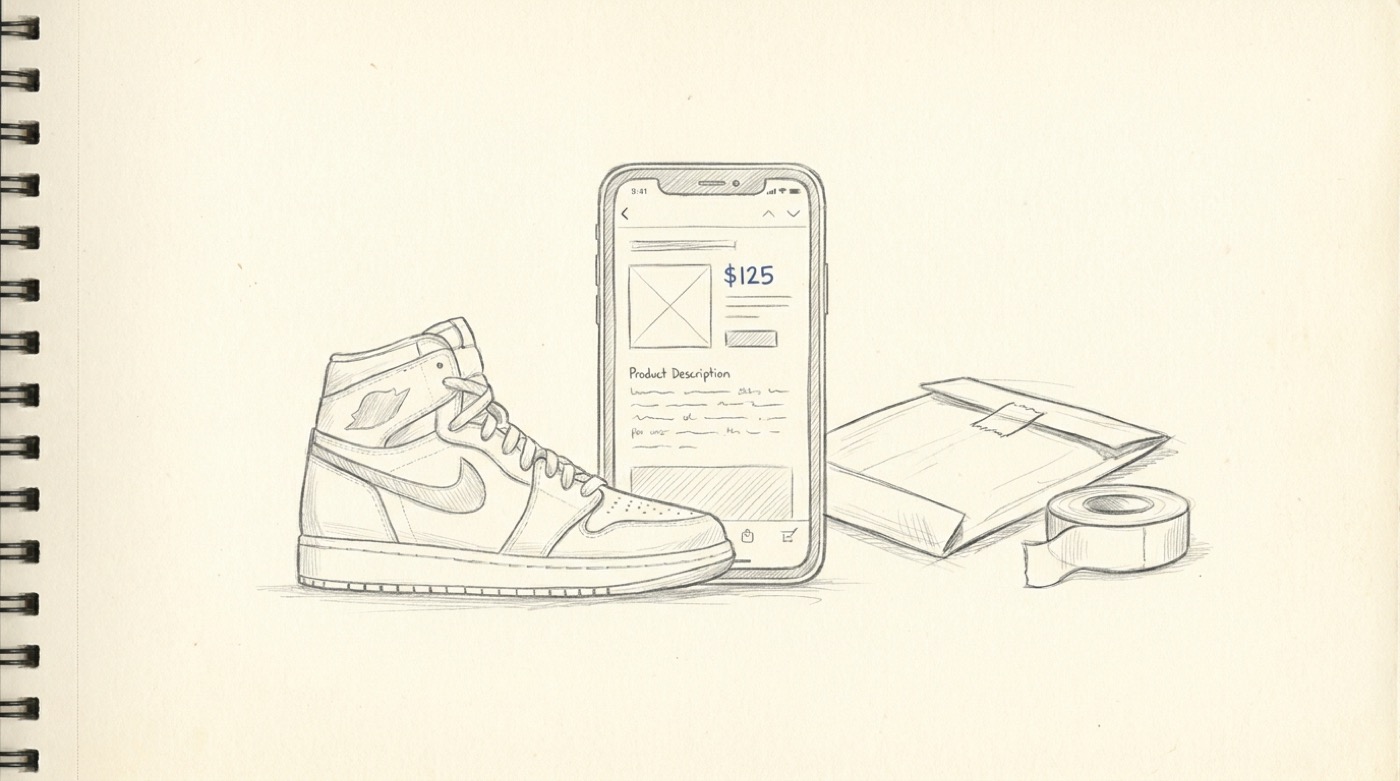
Pricing is the single highest-leverage decision in online reselling. Price too high and the listing sits unsold for weeks, accruing storage cost and opportunity cost. Price too low and you've left half your margin on the table for somebody who knew the going rate.
Most reseller advice on how to price items for resale ends at "check eBay sold listings". That's correct, and slow. Comp-hunting on eBay sold listings — filtering by condition, model, year, scrolling, eyeballing the median — takes 5–15 minutes per item. If you're flipping at any volume, that doesn't scale.
This page is a faster method, with a photo as the input.
The photo-first pricing workflow
Costcam.app is built for this. Snap a photo of the item, the AI identifies it (brand, model, key keywords), and you get:
- An estimated price range with a typical sale price
- Condition factors that move the price
- Suggested keywords to use in your listing title
- Direct links to comparable sold and active listings on eBay, Amazon and Google Shopping
The whole loop is about ten seconds. For a reseller doing 20 items in a session, that's the difference between an evening of work and a marathon.
A working price formula
For most resale categories, a reasonable list price is:
Typical Costcam price × 0.90 — for fast moves Typical Costcam price × 1.10 — for patience and best margin
Pricing 10% under typical is a reliable way to move stock fast on eBay or Mercari, where buyers compare across listings instinctively. Pricing 10% over typical is fine for one-of-a-kind items (vintage, mid-century, signed) where there's no direct comparison and the buyer is searching by aesthetic.
A few platform adjustments:
- eBay — auction format works well for items with strong demand and fluctuating prices (sneakers, vintage clothing, collectibles). Buy It Now at Costcam's typical price minus 10% for everything else.
- Facebook Marketplace — local pickup, no shipping cost or fees. List at typical price flat. Buyers expect to negotiate down 10–15%.
- Poshmark — clothing-heavy. Costcam's typical price is the starting point. Posh's offer-to-likers feature works well at 15% below list.
- Mercari — fees are lower than eBay; price slightly below eBay equivalents to win the comparison shopper.
Items where photo-based pricing works especially well
The categories where I'd trust a photo check the most:
- Sneakers and shoes — model and colorway are usually visible
- Designer and branded clothing — labels and silhouettes are legible
- Lego sets — packaging and set numbers
- Vintage cameras and lenses — model numbers usually printed on the body
- Vinyl records — sleeves photograph cleanly
- Mid-century furniture and lighting — strong visual languages
- Modern small electronics — laptops, headphones, gaming gear, cameras
- Power tools — model numbers stamped on the body
- Tableware lines — Le Creuset, Pyrex patterns, KitchenAid
- Watches — distinctive case shapes
Items where you should still comp-hunt manually
A photo isn't enough when:
- Authenticity affects value 10x — designer handbags, fine watches, anything with a fakes problem. Use a photo for the rough range, then verify with platform-specific authentication services.
- Condition grades affect price by 5x — graded comics, sports cards, coins. The photo gives you the item; a professional grade gives you the value.
- Provenance carries the price — signed memorabilia, art with a paper trail.
- Local market demand is weird — if you're in a small market, a photo-based estimate based on US-wide data may not match what you can actually get locally.
For these, use the photo check as a sanity check on top of your normal research, not a replacement.
Listing title best practices
The keywords surfaced by the photo identification are most of what you need. The format that works on every major platform:
[Brand] [Model] [Defining Feature] [Size/Color] [Condition] [Decade if relevant]
Examples: - Nike Air Jordan 1 Retro High Chicago Size 10 Used Good Condition - Vintage Stilnovo Brass Floor Lamp Mid-Century Italian 1960s Working - Le Creuset 5.5qt Round Dutch Oven Cerise Red Excellent Condition
Get the brand and model in the first 60 characters — that's what shows up in search snippets.
Cross-posting to multiple platforms
The standard reseller stack is: list on eBay first (largest buyer pool), cross-post to Mercari and Poshmark for clothing, list local items on Facebook Marketplace and Craigslist. The same photo and description work everywhere; the photo check gives you a defensible single price you can copy across all of them.
Tools like Vendoo, List Perfectly and Crosslist can automate the cross-posting. The pricing input still needs to come from somewhere, and that's where the photo check fits.
A reseller's daily routine
A workable routine for a side-hustle reseller:
- Sourcing. Run any item through costcam.app on the spot. Buy if the typical resale price is at least 3× what the seller is asking, with margin for fees and shipping.
- Listing. Use the Costcam-suggested title keywords. List at typical price minus 10% for fast moves.
- Repricing. Anything that hasn't sold in two weeks gets dropped 10%. Anything that hasn't sold in four weeks goes to a different platform or gets bundled.
- Shipping. Standard cardboard, the right poly mailers for clothing, padded envelopes for fragile small items. Ship within 24 hours — eBay and Mercari rank you on it.
Try the photo check
The fastest way to see if it changes your workflow is to use it on the next item you're about to list. Open costcam.app, point your phone at the item, and see whether the suggested price matches what you would have set manually. Most resellers find the photo check is faster and lands on a tighter range than their gut.
Free, no signup, runs in your browser.