How to Make a Home Inventory List for Insurance Purposes
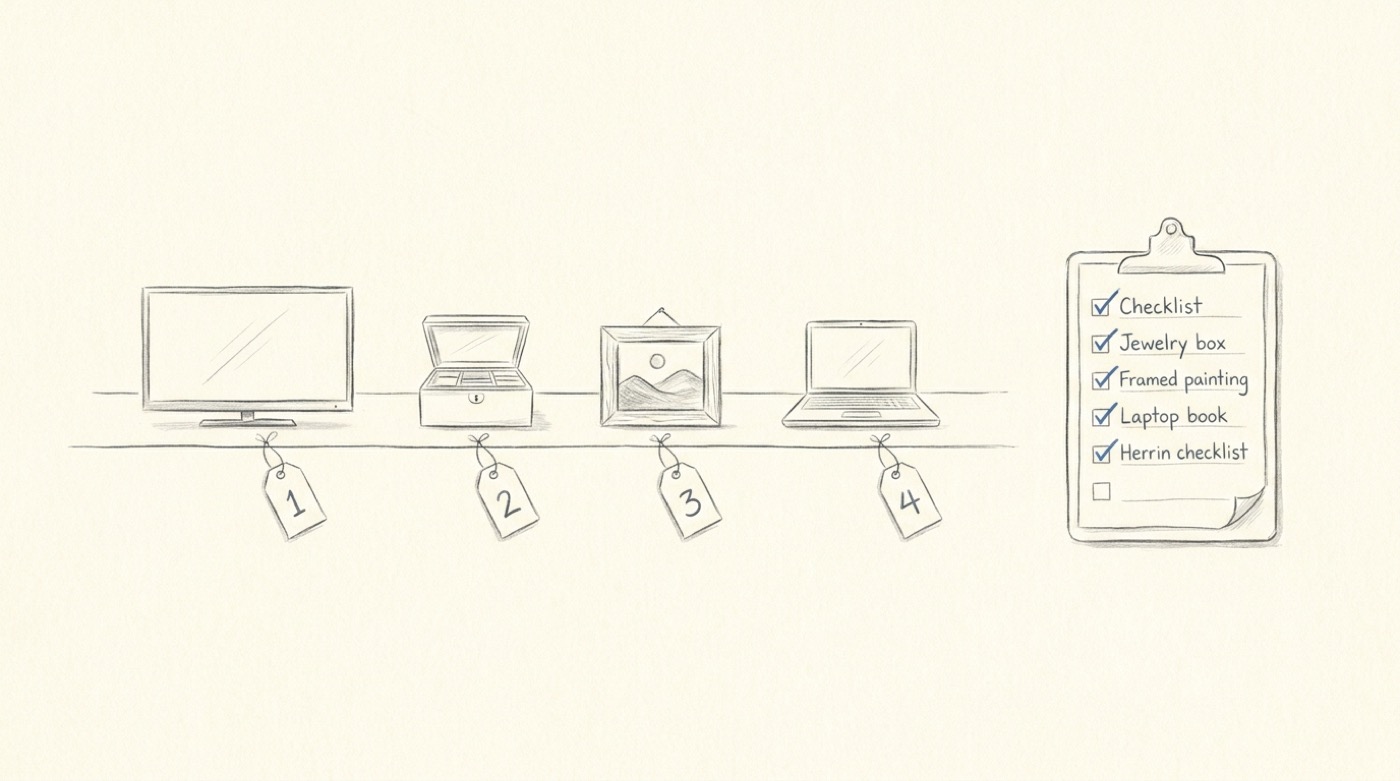
Most people only find out their home inventory was inadequate the day they need it. After a fire, a flood, or a break-in, the insurance company asks for a list of everything you owned, with values, photos, and receipts. The first realisation is that your insurance probably didn't cover what you thought it did. The second is that the burden of proof is mostly on you.
This page is a practical guide to making a home inventory list for insurance purposes — what to include, how to value items, and how to do it in a single afternoon instead of dragging it out for a year.
Why a photo-based inventory beats a written one
The traditional advice — "make a spreadsheet, list every item, attach the receipts" — is correct in theory and abandoned in practice. The same advice has been given for forty years and most households still have nothing.
A photo-based inventory inverts the work. You walk through each room, photograph everything, and the documentation already exists — timestamps, visible serial numbers, condition, the contents of drawers and closets. From there it's a matter of attaching values.
Costcam.app handles the value side. Snap a photo of an item and you get an item identification, an estimated current market value range and a typical resale price. For insurance, the relevant number is replacement cost — what it would cost to buy the item new today — and the typical-price end of the range gets you very close, fast.
The result is a per-item record with a photo, a description, and a value, captured at speed.
Room-by-room walkthrough
The most efficient way to build the list is room by room. Here's a target list:
Living room. TV, sound system, gaming consoles, remote-controls, modem/router, art on the walls, sofa and chairs, coffee table, lamps, rugs, decorative objects.
Kitchen. Major appliances (stove, fridge, dishwasher, microwave), small appliances (coffee machine, KitchenAid, blender, toaster), cookware (visible on counters and inside cabinets), tableware, knives, anything in the pantry that has serious value (espresso beans don't count; a Vitamix does).
Bedrooms. Bed and mattress, dressers, contents of dressers (clothing — photograph piles, not individual t-shirts), jewelry (each item separately for higher-value pieces), watches, glasses, electronics on bedside tables.
Closets. Open the door, photograph the inside. Designer items, suits, dresses, coats — photograph individually with the labels visible. Shoes — group photos are fine.
Bathrooms. Less to document, but worth catching: hair tools, electric toothbrushes, scales.
Home office. Laptop, monitor, desk, chair, books, anything with a serial number.
Garage / basement / storage. This is where most under-insurance happens. Tools, bicycles, sports equipment, holiday decorations, camping gear, lawn equipment. Photograph each shelf or storage area.
Outdoor. Patio furniture, grill, anything in the shed.
For each item that's worth more than ~$200 individually, take a close-up of any visible model number, brand, or serial number. For everything else, a wide shot showing the contents of a shelf, drawer, or closet is enough.
Getting realistic values
The goal is replacement cost, not what you'd get if you sold it secondhand. Insurance is meant to make you whole, which means the cost of replacing the item with a comparable new one.
The fastest way:
- Photograph the item.
- Run it through costcam.app. Note the typical price.
- For high-value items (jewelry, art, electronics over $1,000), supplement with a manufacturer's website link or a recent listing of the same model.
- For one-of-a-kind items (heirlooms, art, custom pieces), get a written appraisal — the photo-based estimate isn't enough on its own.
For a typical 3-bedroom home this is a 3–4 hour job, not a weekend. The biggest time savings is not having to manually identify and search for each item — the photo does that.
What the insurance company actually wants
When you eventually file a claim, the insurer's request will be some combination of:
- A list of items lost or damaged. Yours already has descriptions and values.
- Proof of ownership. Your time-stamped photos handle this.
- Proof of value. Typical market price ranges, plus receipts where available, are usually accepted for items under $5,000. For higher-value items, an appraisal is often required.
- Proof of condition pre-loss. Your photos handle this — they show the item in good shape on the day you took the picture.
Save the inventory in two places: a cloud service (Google Drive, Dropbox, iCloud) and an offline copy on a USB drive somewhere outside the house. A flood-damaged USB on the kitchen counter is not useful.
Updating the inventory
Once a year is enough for most households. Walk the same rooms, photograph anything new, delete photos of anything you no longer own. If you're moving, that's a natural moment to start fresh — you're already touching every item.
The bottom line
A home inventory is one of those tasks everybody knows they should do and almost nobody does, because the friction is too high. A photo per item, a value per photo, and a saved folder is enough. Two hours of effort up front is worth it the day you need it.
If you want to try the value-checking step, open costcam.app, point your phone at any item in your house, and you'll have a current price range in seconds.