Photo Price Checker for Gifts: How to Tell If You're Overpaying
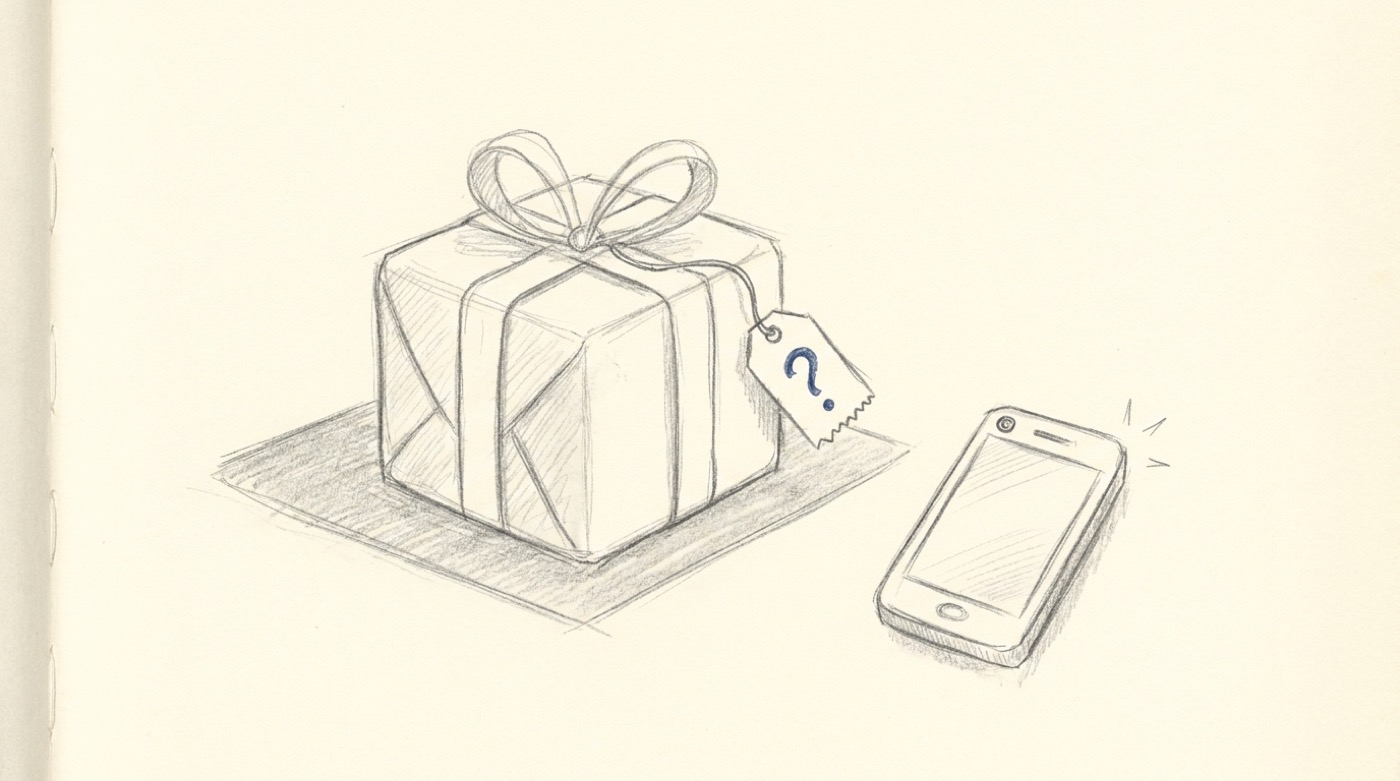
You're standing in a shop holding the gift you came in for. The price on the box says $89. The question is whether $89 is reasonable, or whether the same thing is sitting on Amazon for $59 plus free shipping, and you've just walked into a markup.
This is the small, daily problem Costcam.app was built to solve. Snap a photo of the item, the AI identifies what it is, and you get a price range pulled from current online listings. If the in-store price is close to the typical market range, fine, you're paying a fair premium for not having to wait three days for shipping. If the markup is 50% above market, you can put the box back and order it on your phone for delivery before the birthday.
When a photo check actually saves you money
The categories where store markups vary the most:
- Electronics and gadgets — headphones, smart speakers, cameras, charging cables. In-store prices can be 20–40% above online.
- Toys, especially LEGO — sets are widely tracked online and you can see the typical street price in seconds.
- Beauty and skincare — designer fragrances, premium skincare. Department stores often run 30%+ above the lowest online price.
- Designer accessories — wallets, scarves, small leather goods. Boutiques mark up; outlet and online sometimes don't.
- Kitchen gadgets and small appliances — Williams-Sonoma vs Amazon spreads can be enormous.
For supermarket-tier items (chocolates, books, candles, anything under $20) it's usually not worth the effort. The check is most useful in the $30–$300 range, where being off by 20% means the difference between a thoughtful gift and an awkward one.
The "is this a fair price" workflow
- Pick up the gift and look at the actual price tag.
- Open costcam.app on your phone.
- Take a photo of the item. The AI returns a typical price range plus links to comparable listings on Amazon, eBay and Google Shopping.
- If the store price falls inside the range, buy it. If it's clearly above the typical range, decide whether the convenience is worth the markup.
Five seconds of friction in exchange for the confidence that you didn't get hosed.
Staying inside a gift budget
For occasions with a defined number — Secret Santa with a $25 limit, a kid's birthday at $50, a wedding registry contribution of $100 — the photo check earns its keep again. You can quickly answer "would this $40 thing actually feel like a $40 gift, or does it look cheap?" by checking what the typical price is. Items that look more expensive than they cost are the entire art of good gift-giving.
A few rules of thumb:
- For a $25 gift, look for items typically priced $25–$40 in the wild. You want something that feels like the high end of the budget, not the low end.
- For something registry-style at $100, target items that retail for $100–$150 but are currently discounted.
- Avoid items typically priced under $10 dressed up in a $30 store. The recipient will Google them.
What this isn't
It isn't an authentication tool. If you're buying a designer handbag from a stranger, a photo check will tell you what real ones cost — it won't tell you if the one in front of you is fake. That's a different problem with a different solution (specialist authentication services).
It also isn't a coupon scraper. If you want a coupon, use a coupon site. Costcam answers a different question: what's the going rate for this item, and is what I'm being asked to pay reasonable?
Try it on the gift in front of you
If you're shopping right now and you're not sure: open costcam.app, point your phone, and find out in ten seconds. It's free, no signup, and it might save you the price of dinner.